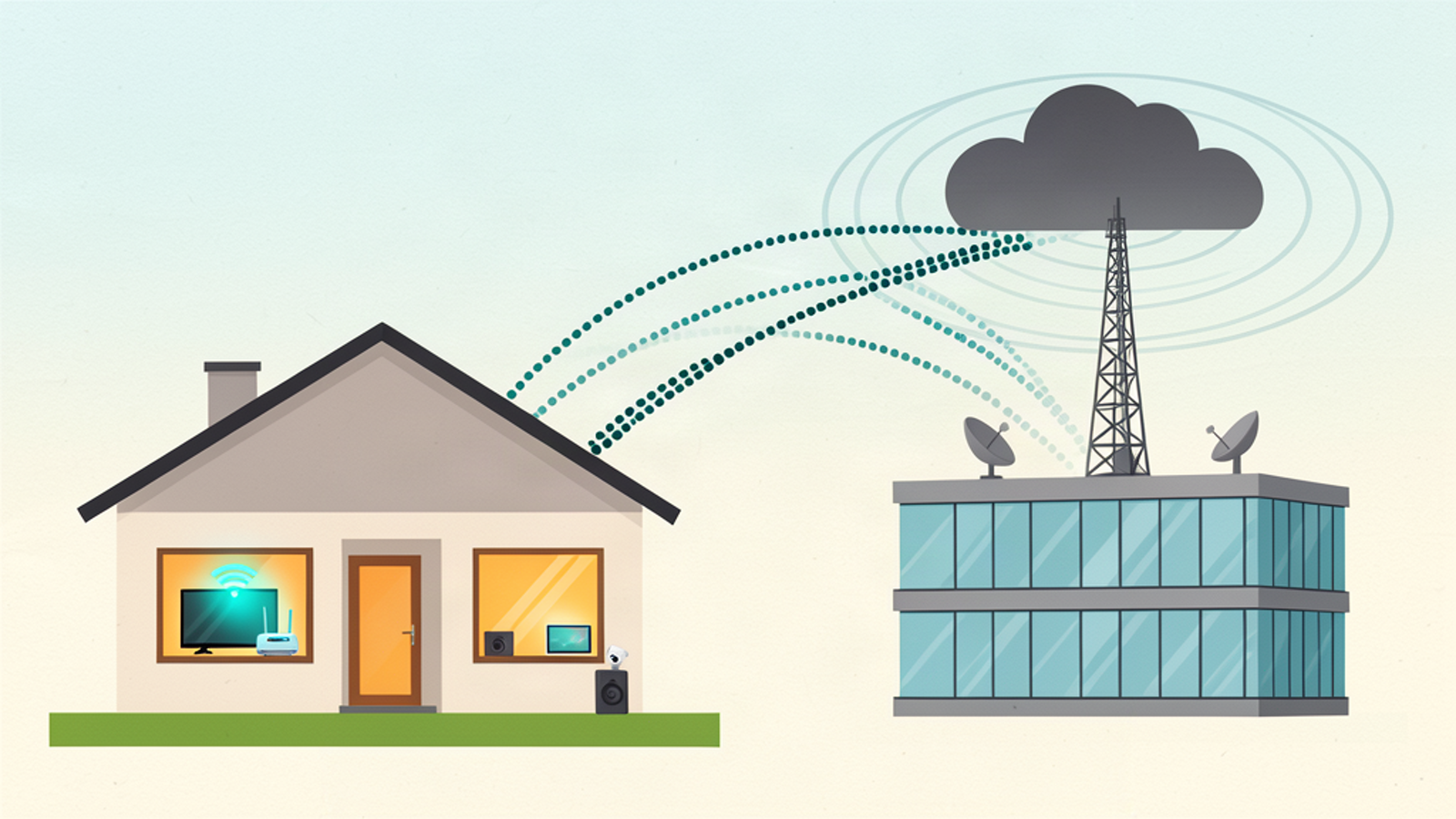
Most people assume their home network is theirs. The devices are in their house, the router blinks in the closet, the WiFi password is on the fridge. But the internet connection itself belongs to a company that can log a lot of what happens on it. The two questions that matter: can your provider see every device on your network, and can they see the sites you visit?
Short answer: the sites you visit, mostly yes. Every individual device, usually no. But there's a scenario where it flips to almost entirely yes, and it's sitting in the closet of every household renting equipment from their provider.
Can they see your devices?
If you own your router and it does the network address translation (NAT), the answer is mostly no.
MAC addresses are Layer 2 identifiers. They stop at your router's WAN port and never cross to the provider. When your laptop connects to a website, the provider sees one machine on the other side of the connection: your router, with its single public IP and its single MAC. The manufacturer prefix on that MAC tells them a router is in the home, but not that there are thirty devices behind it. Upstream traffic carries only the router's identity, so they see connection volume and patterns, not a device list. They can make guesses (a media server on a specific port, a camera on another), but they can't enumerate your network from the outside.
Now flip it. If your ISP installed their combined modem-router gateway and you use it as your router, they can effectively list every device in your house.
Provider gateways check in with a remote management system using a protocol called TR-069/CWMP. The standard's data model (TR-181, maintained by the Broadband Forum) exposes a hosts table that includes every device on the local network: MAC address, hostname, IP address, and connection type (WiFi or wired). The provider's management server can read that table remotely, at any time, without your knowledge. This isn't hypothetical. It's why the Xfinity app can show you every device connected to your home network and let you pause them individually: the provider reads the same list.
There's a newer layer too: Wi-Fi sensing. Some provider gateways, including certain Verizon Fios models, analyze how WiFi signals reflect off people to detect human presence and movement in the home. Cognitive Systems, a company that builds this tech, lists more than 160 ISPs selling or testing it. A router that watches you move through your own house.
Can they see which sites you visit?
Yes, through three separate channels, and each one works even though HTTPS is on.
Channel 1: DNS. Every time you visit anything, your device first asks a DNS server to translate the site name into an IP address. If that query isn't encrypted, whoever runs the server (usually your provider) logs every domain with timestamps. Changing your device's DNS settings to someone else's server doesn't fully fix this: unencrypted queries can still be observed or intercepted on the wire en route.
Channel 2: the TLS SNI field. Suppose you encrypt DNS. The site name leaks again inside the TLS handshake, in the plaintext SNI (Server Name Indication) field, which exists so the server can pick the right certificate. It rides on every connection to most sites today, unencrypted. Mozilla's own documentation of Encrypted Client Hello describes this: standard TLS leaks the hostname to any passive listener on the path.
Channel 3: connection metadata. Destination IP addresses, timestamps, duration, bytes transferred. Even with the domain names hidden, this is enough to infer a lot: which streaming service at what volume (their ranges are public), whether a banking site was hit at 2 a.m., who was home all weekend.
What HTTPS actually protects is the content: page contents, passwords, messages, account balances. The classic analogy holds. The provider sees the envelope's address; the letter stays sealed.
What they do with it
In 2017, Congress passed S.J.Res 34, repealing the FCC's broadband privacy rules before they took effect. Those rules would have required providers to get opt-in consent before monetizing sensitive data like browsing history. After the repeal, providers like Comcast, AT&T and Verizon remained free to sell or share browsing-derived ad data, and the FCC was barred from re-issuing materially similar rules.
The FTC put numbers on the industry's practices in a 2021 study of six major providers covering about 98% of the US mobile internet market: they combine consumer online behavior across their own products (TV, mobile, smart home), assign ad-profile categories like interests and demographics, and share audience segments with third parties, sometimes with no opt-out. You can read the staff report, "A Look at What ISPs Know About You," for yourself.
There's no federal data-retention mandate in the US. The United Kingdom's Investigatory Powers Act shows what the other extreme looks like: twelve-month mandatory retention of browsing records over a wire.
How to close the leaks, in order
1. Encrypted DNS (DNS-over-HTTPS or DNS-over-TLS). Free, and it closes the biggest leak. Configure it at the router so every device inherits it, including smart TVs, cameras and other IoT that can't be configured themselves.
2. Encrypted Client Hello (ECH). Encrypts the SNI field too, on top of encrypted DNS. Firefox enabled it by default in late 2023, and Cloudflare serves ECH on the sites it fronts. With both in place, a passive provider sees an encrypted connection to a big cloud provider rather than the domain. Coverage is spreading but not yet universal as of late 2026, which is why step 1 still comes first.
3. Own your router. Bridge the provider's modem or use your own hardware so their management plane has no local hosts table to read. This kills device-list exposure and remote TR-069 reads of the network in one move.
4. VPN. The only step on the list that hides destination IPs and flow metadata from the provider. They see one encrypted tunnel to one server, everything else is dark. The trade-off shifts trust to the VPN company, so pick one with an audited no-logs policy (Mullvad, IVPN and Proton are the regular examples) and expect some latency.
A note on scope: all four steps blind the provider. None of them blind the sites you visit, which still see your account, cookies, and device fingerprint. That's a separate problem and a separate article.
The bottom line for your house
The provider carries every packet, so anything unencrypted crossing their wire is theirs to log: plain DNS, the SNI field, destination IPs. On a rented provider gateway, add the full device list behind TR-069. Owning the router and encrypting DNS closes both in an afternoon, and a network-privacy audit starts there: who can read your device list, what DNS leaks, and what it takes to shut each one.
Sources: FTC staff report (Sept 2021) · Broadband Forum TR-181 data model · Mozilla: Encrypted Client Hello FAQ · Cloudflare: ECH · Wikipedia: 2017 Broadband Consumer Privacy Proposal repeal · Xfinity app